
How to create documents that point to artifacts in SnapHire Analytics
Overview
In SnapHire Analytics you can create documents. These documents can include questions and point to different artifacts in SnapHire Analytics. It is important to note that documents are designed for sharing context and information and not desto share and explore data. To share and explore data rather use questions and dashboards.
What is possible with documents
Documents allow you to:
Add text to share information
Add links to collections, dashboards, models or questions
Add questions and models in the document itself
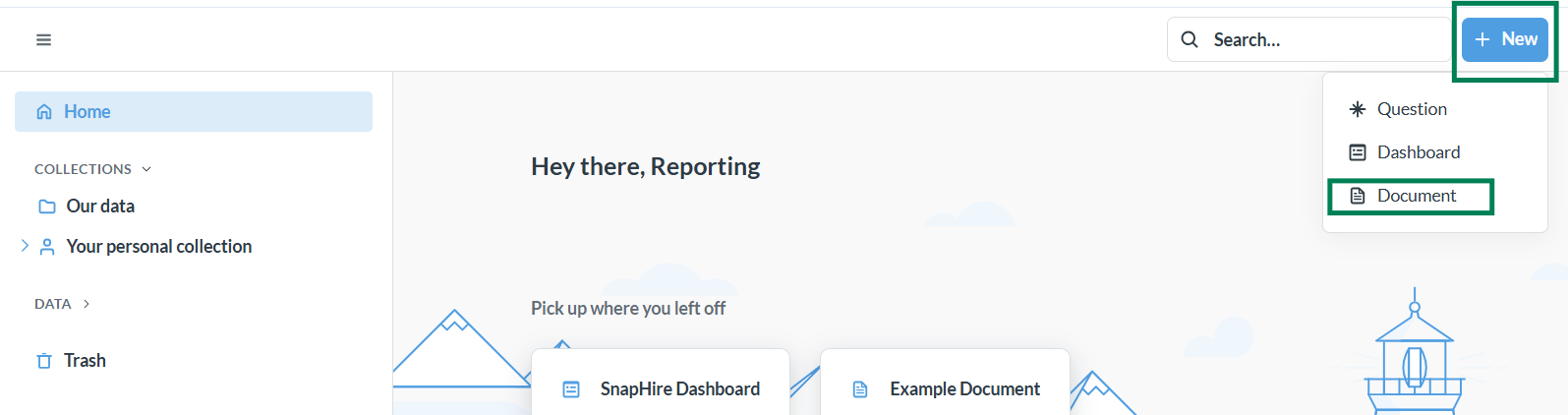
To create a document simply click on the "+ New" button in the top right and select document as shown below:
After creating the document you can give the document a title:
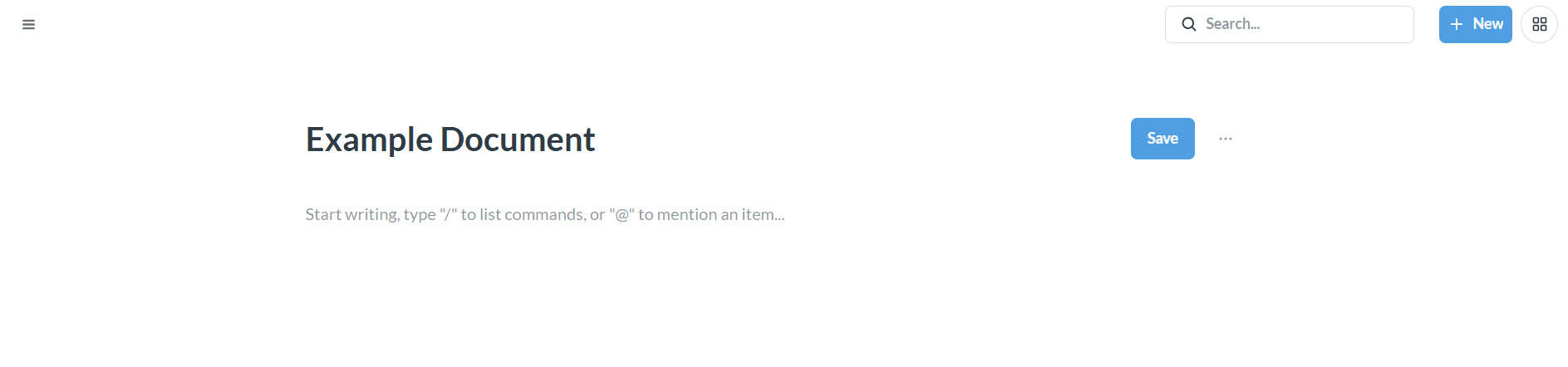
Add text
To add text simply click on the pane below the title and start typing as shown below:

Add links
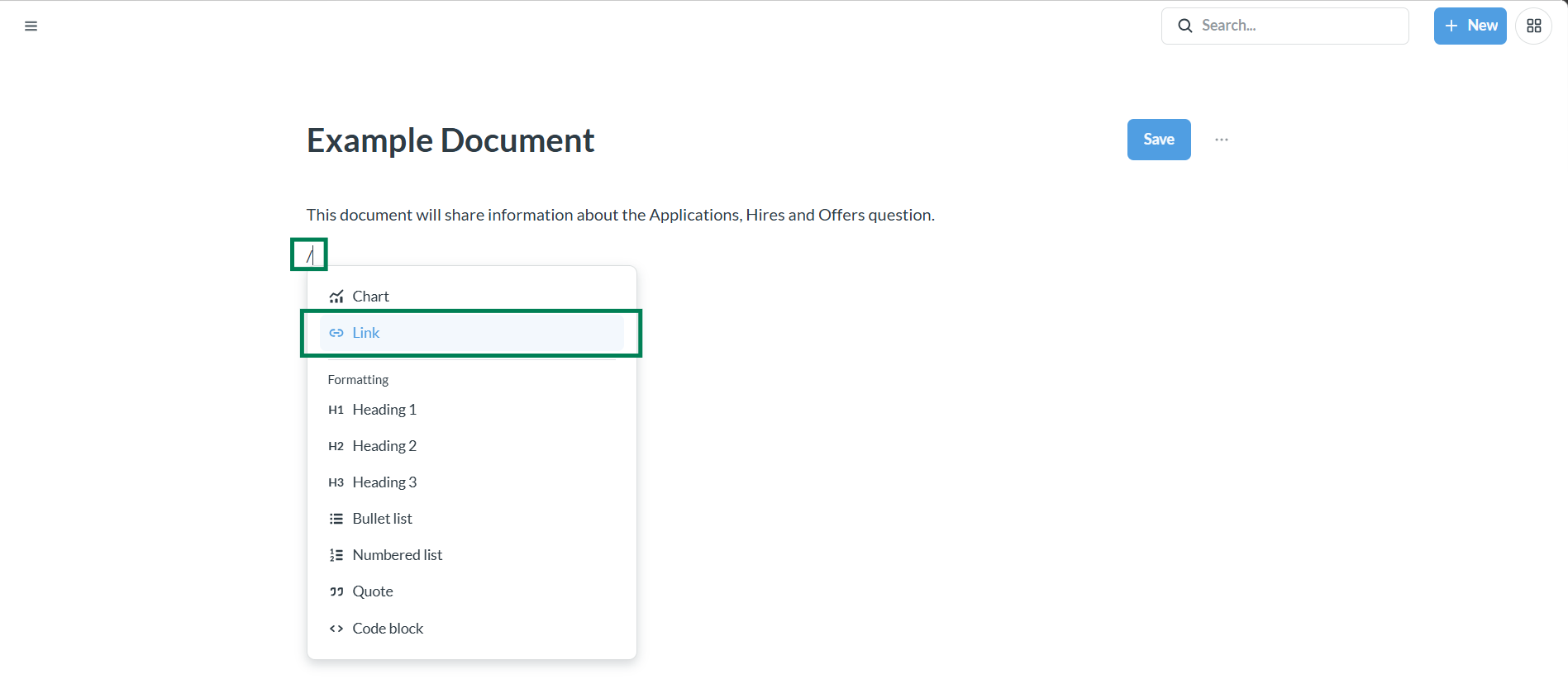
To add links type: / and you will see the options list. Select: Link as shown below:
After selecting: Link you can navigate to the collection, question, model or dashboard you would like to point to. In the example below we will point to the "Applications" template collection:
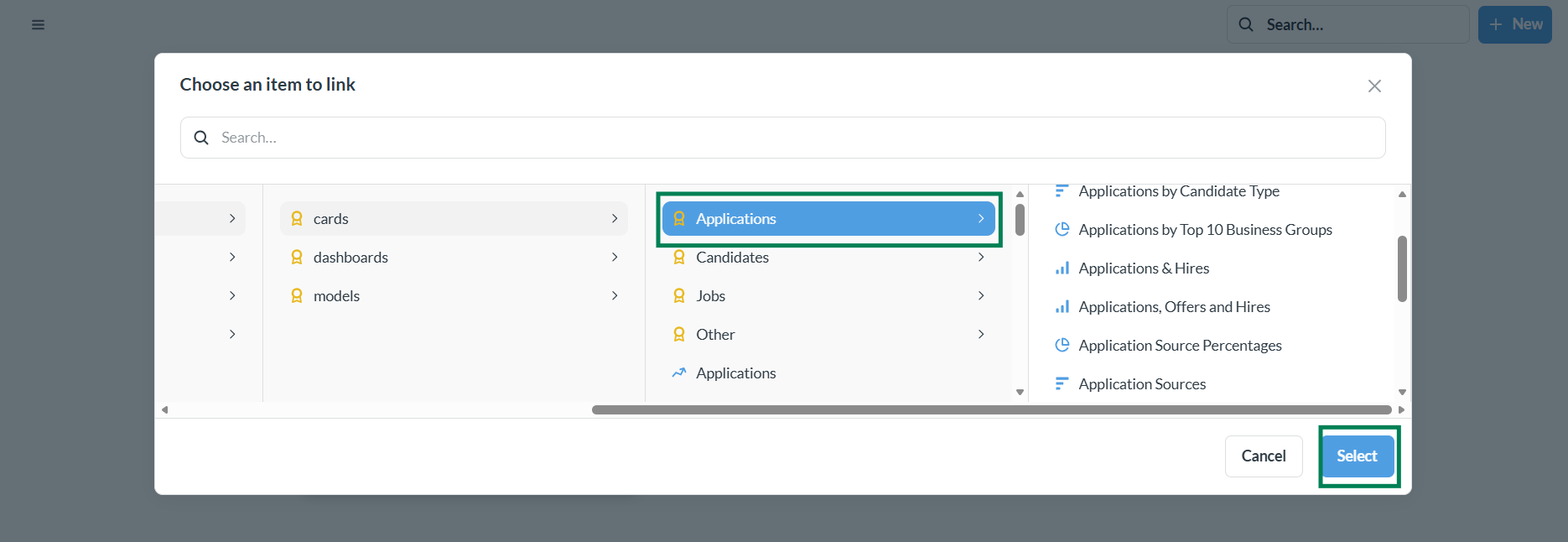

This process is the same for adding links that point to questions, models or dashboards.
Add questions and models
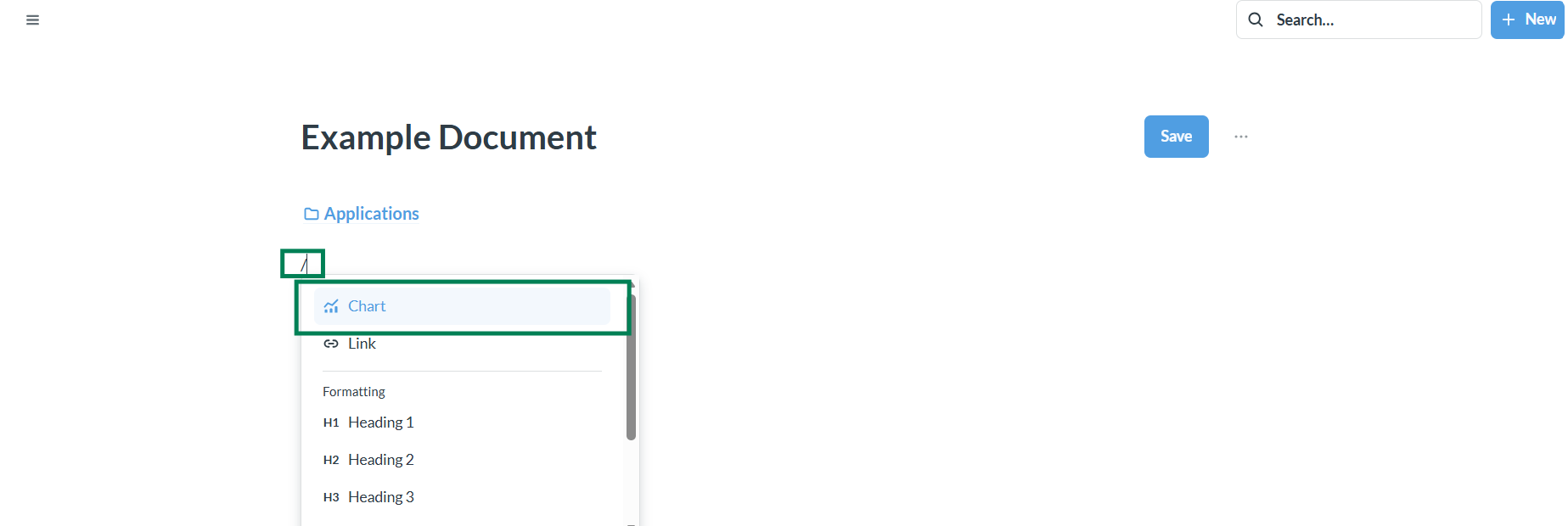
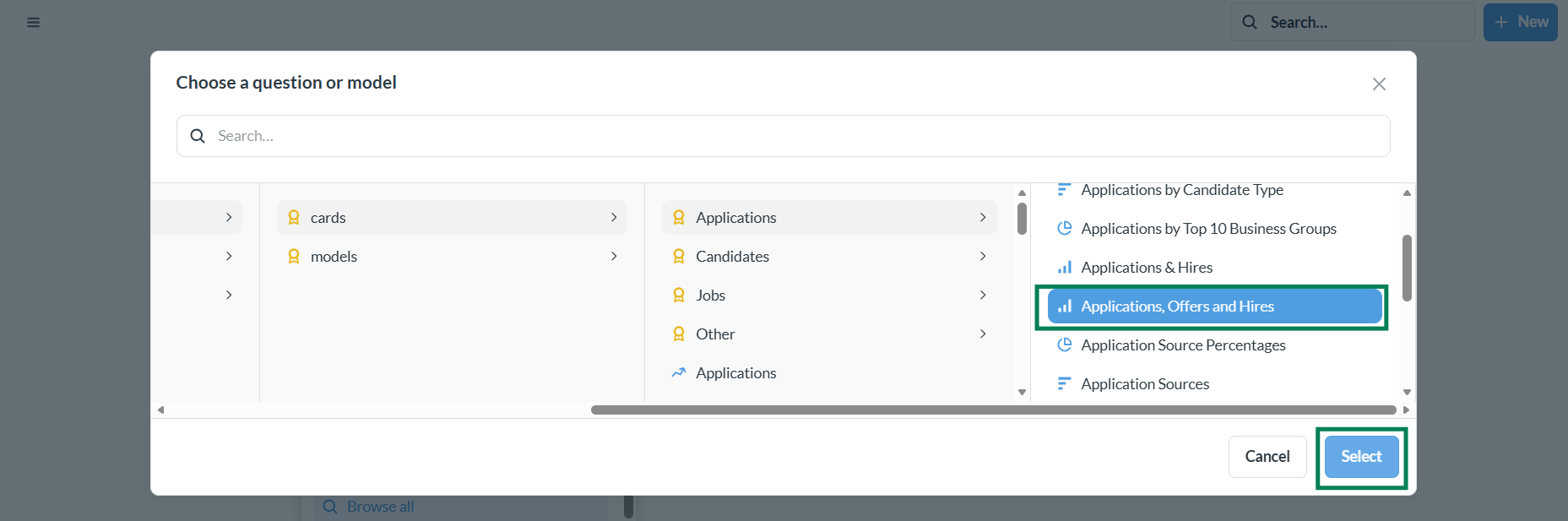
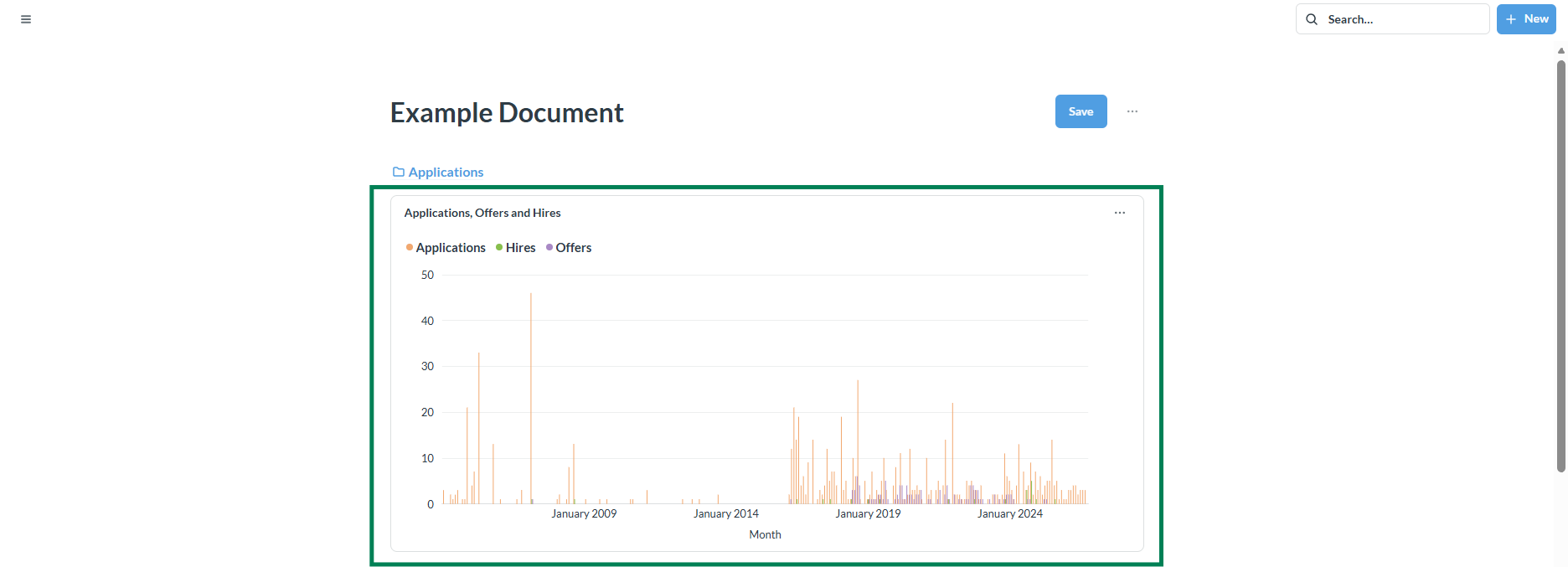
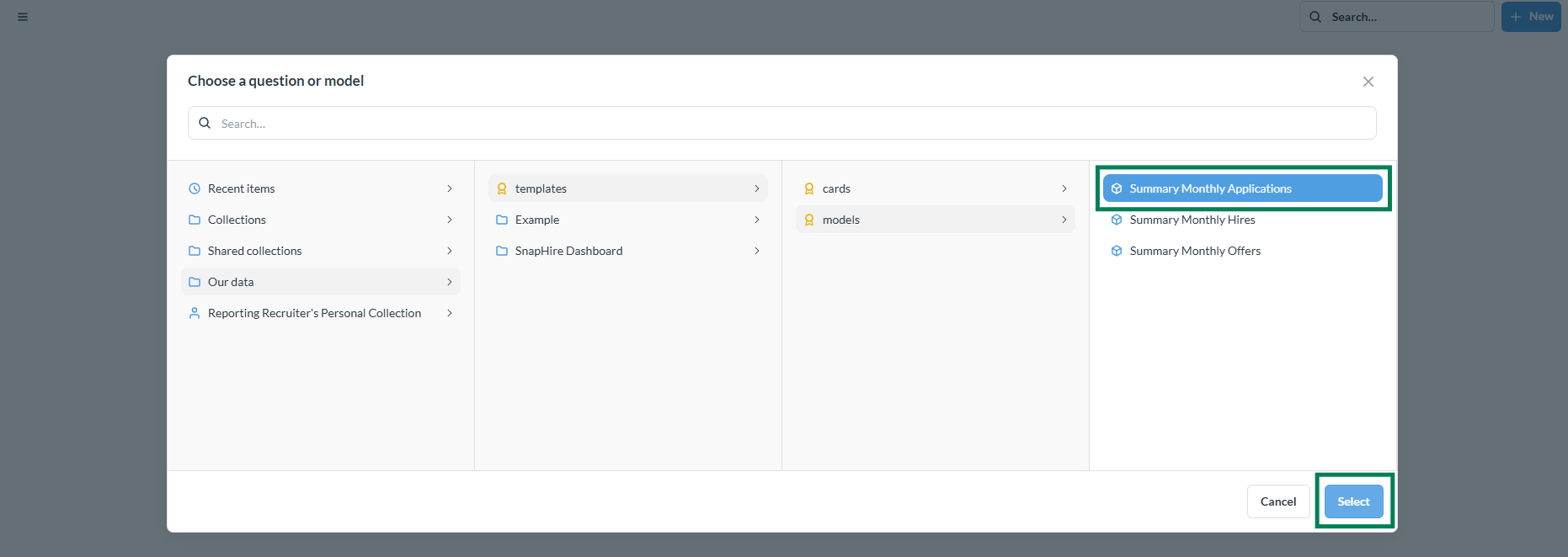
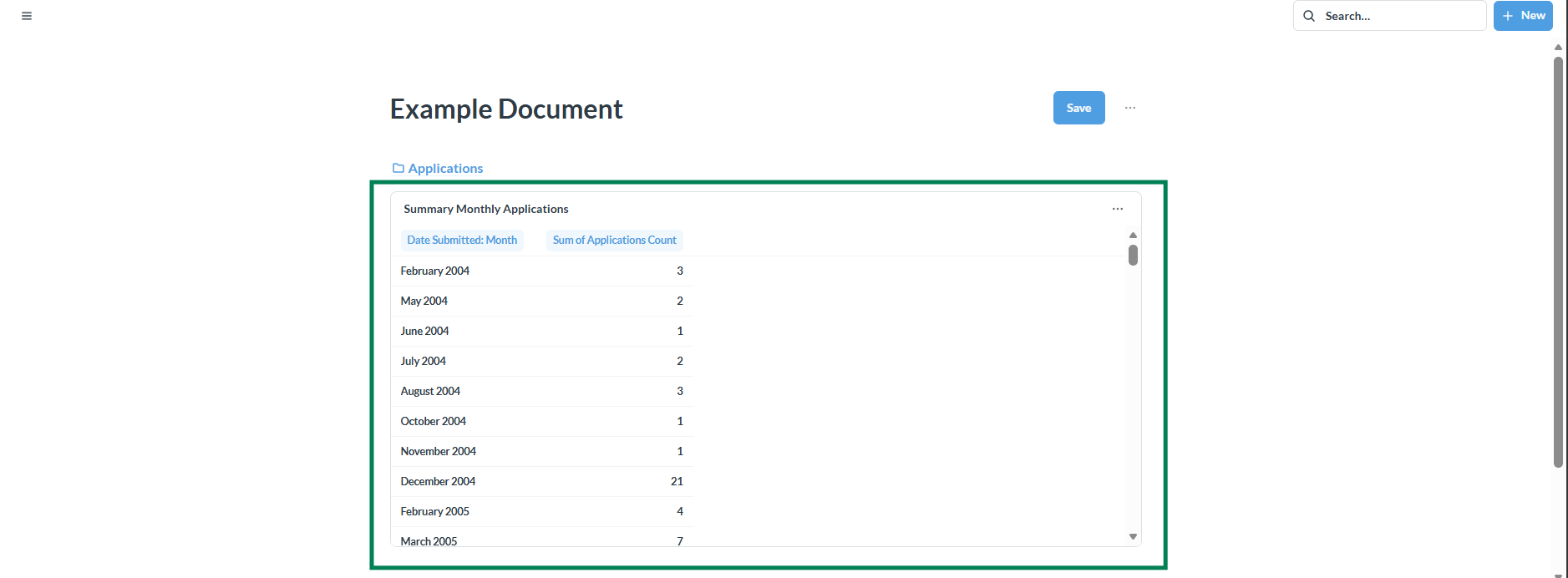
In addition to adding pointers/links to SnapHire Analytics artifacts in a document you can also add the actual artifact. Below are 2 examples of how you can add a question and model to a document:
Add a question:
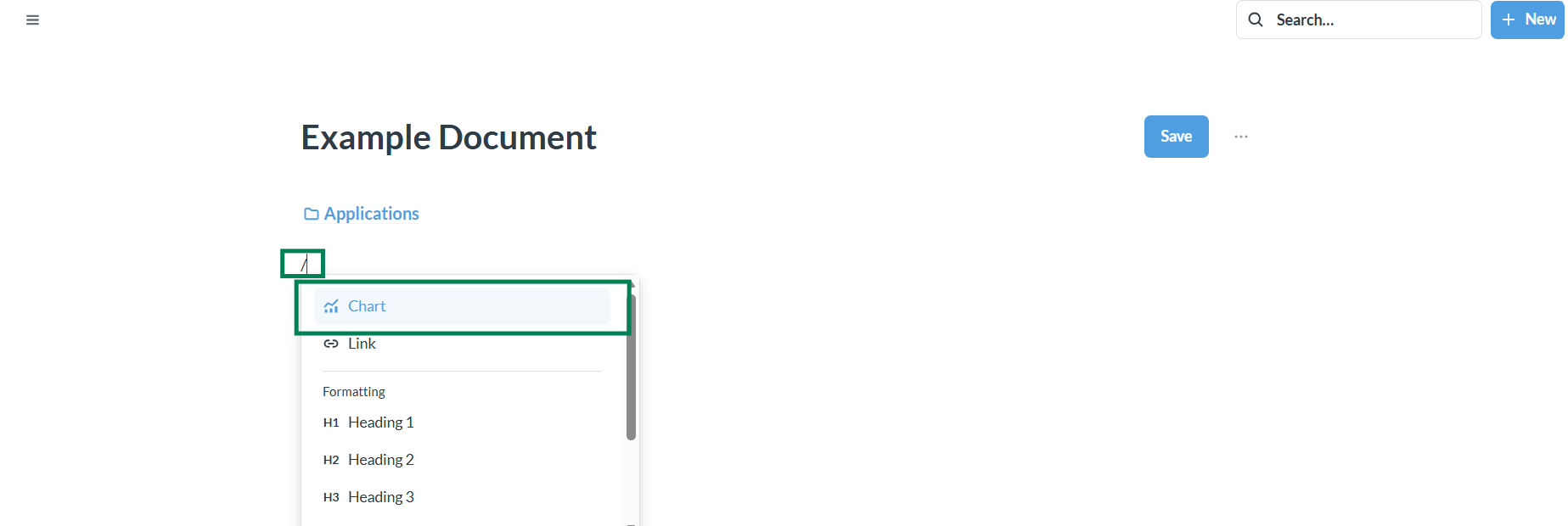
Add a model:
When you are done with your document you can save it like you would with any other SnapHire Analytics artifact: