
Thank you for your email.
If you no longer want to receive job alerts then all you need to do is login to your profile on the careers page of the organisation you have a profile with, and then edit your information.
To do this you will need to click on 'My Account' in the top right of the careers page.
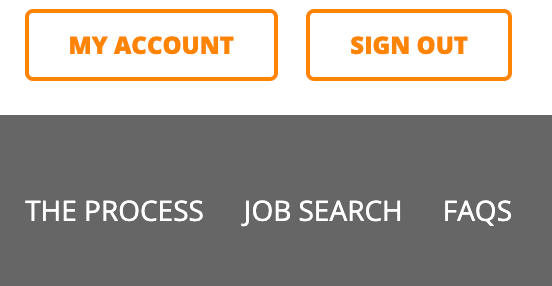
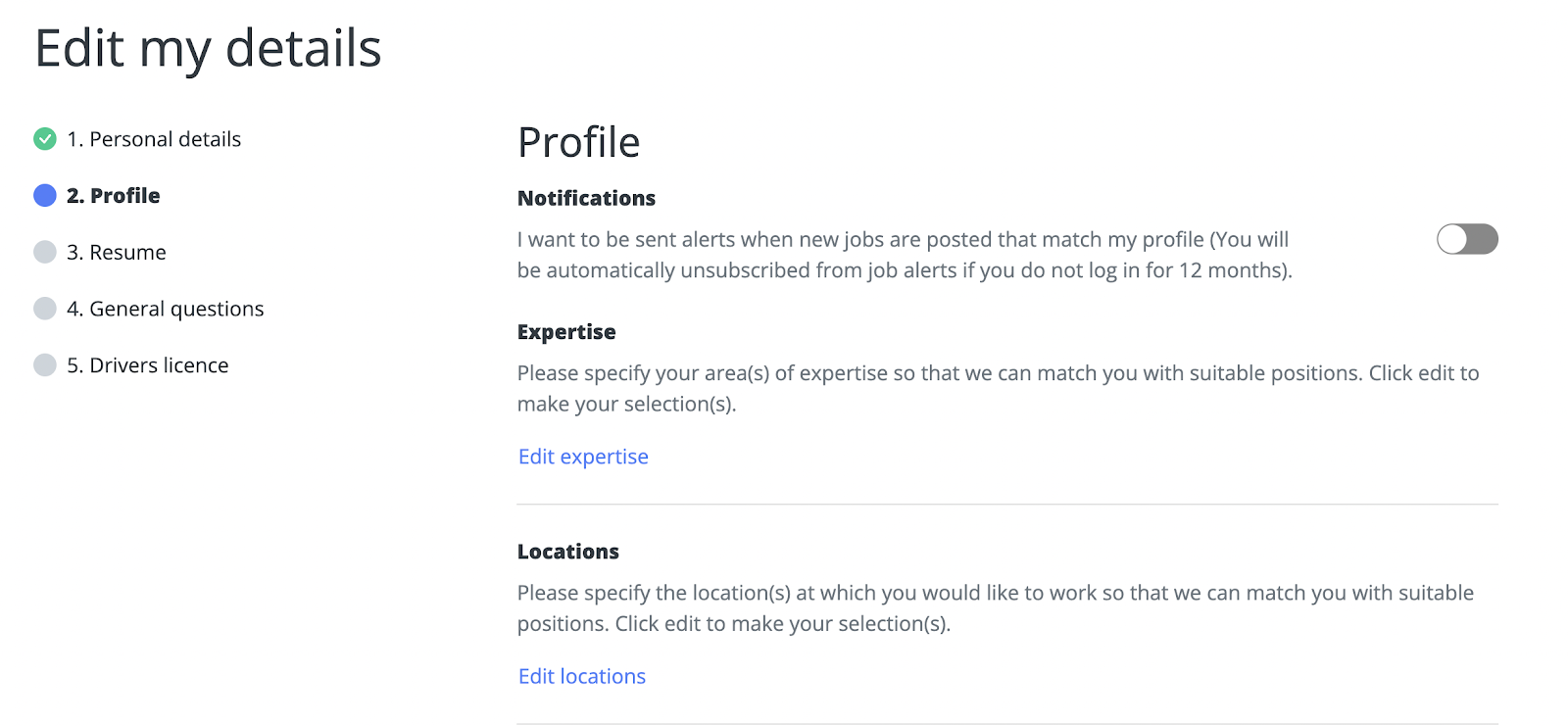
Then select 'View your profile' underneath 'My details'. From there, click on 'Edit my details' and select the 'Profile' tab.
At the top of this tab disable the 'Notifications' button to stop receiving job alerts.
Alternatively, you can simply click the "unsubscribe" link found at the bottom of the job alert email that you received.
As these job alerts are set up by the recruitment team, we are not able to see exactly what their criteria is for each role they send out, so you may still receive emails for jobs that are not related to what you are looking for. If you are unsure about any of the options that you have selected, then it would be best to get in contact with the recruitment team of the company that you are applying with, and ask them what options would be best for you to select.
The recruitment team’s contact details can be found on the careers page of the organisation.
If you are having issues locating the recruitment team’s contact details, please reply to this email with the name of the organisation you are wanting to get in contact with and we will be able to provide you with these details.
Please let us know if you need anything further.