
- Check if there are any current users with the report permission. If so, find out if they've signed a sow for an extra license before granting the report permission.
- Enable the "Can manage reports" permission from the Permission setting admin function.
- Edit the Reporting users permissions, and give them the permission to "Can manage reports".
- Remove the "Can manage reports" permission from the Permission settings so no other user can be granted this permission.
IMPORTANT: Only 1 user per site can have this permission. If the client would like other users to use SnapHire Reporting, they will need to pay for the licenses. See "Purchasing additional licenses" information below.
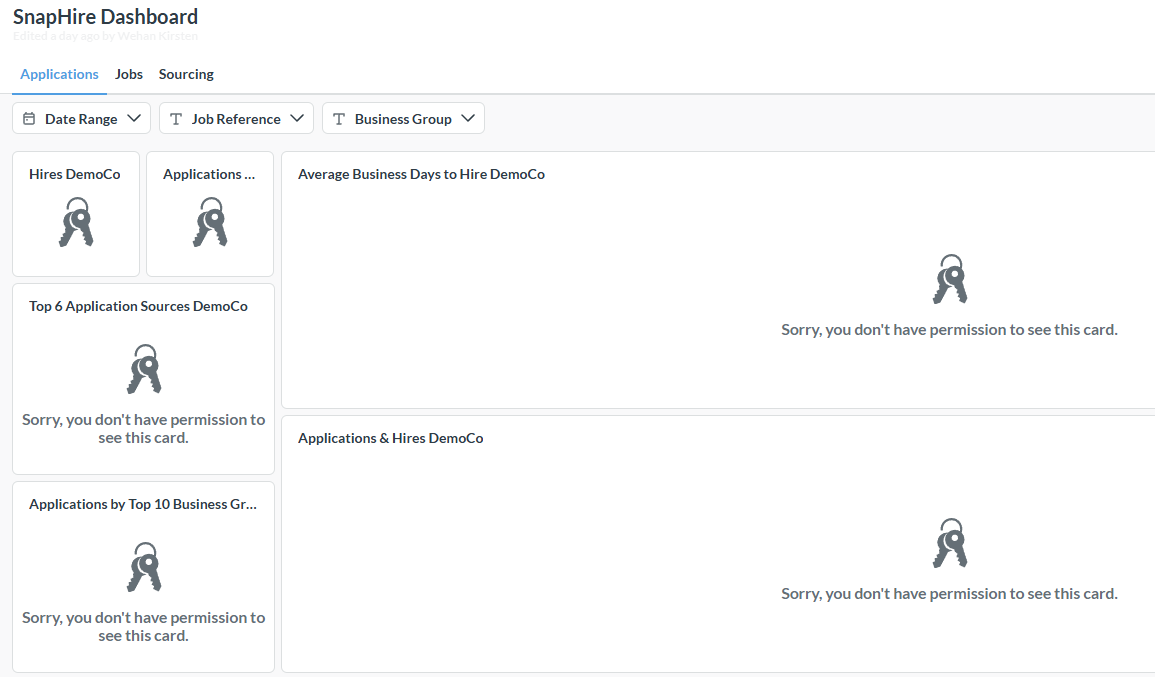
Login as the Reporting user, go to the Admin menu and select Manage reports. Initially, their default Dashboard will have no data and may look similar to the below:-
Ask Wehan or Ange to assign the user to the correct tenant group.
When the above step has been completed, log back in as the reporting user, or refresh your screen if you're still logged in as them, and it will either default to a Dashboard (see screen shot below) or the menu. If this is a Recruiter user, consider messaging Wehan and asking for a default dashboard be set up for the user.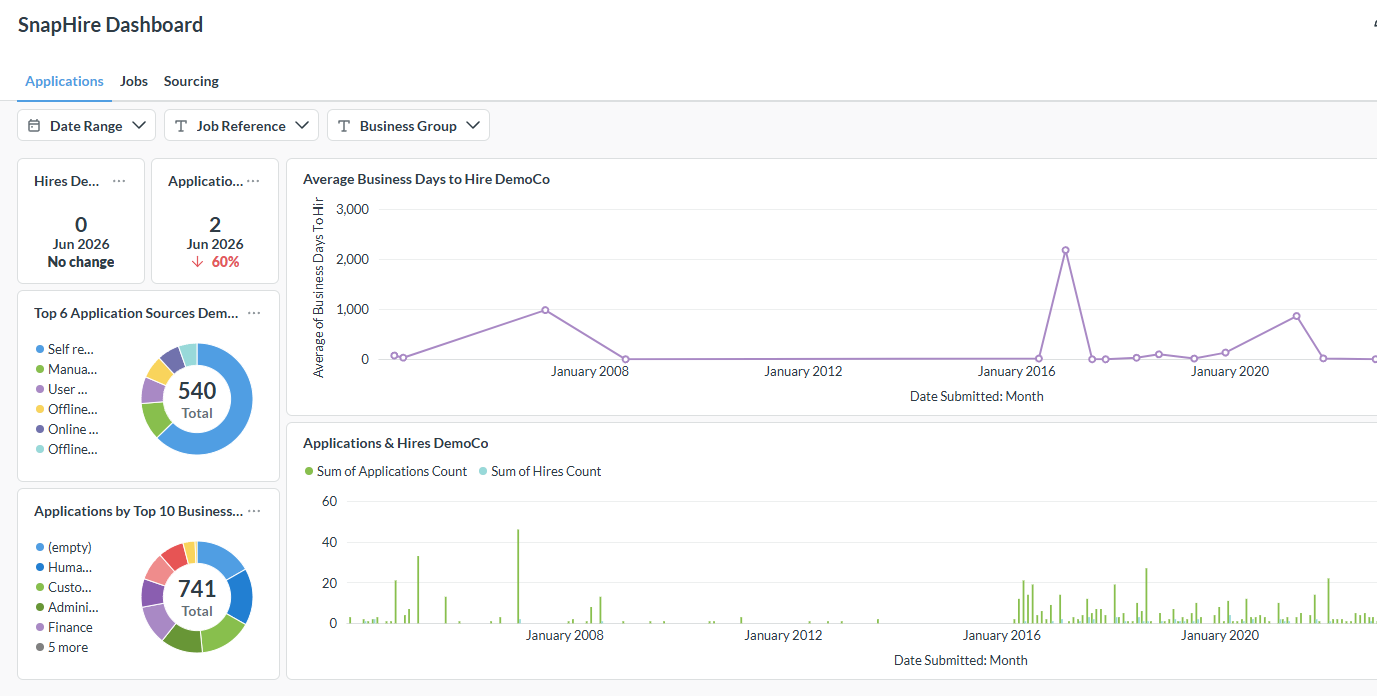
Send the user the Report training canned response, which has a link to the reporting overview video to watch: SnapHire Reporting overview
Training
Recruiter user - a Consultant from the CS team will run the initial training session for the Recruiter user. A follow up session with Wehan can be arranged if the CS team feels they can run more complex reports. Once the training session is complete, send the Recruiter this slide deck SnapHire Analytics recruiter training slides
Analyst user - a Consultant from the CS team will arrange a training session with the Analyst user and Wehan.
Purchasing additional licenses
The cost of the additional licenses is $75 per license, or $50 per license for 4 or more licenses.
- Confirm with the client how many additional licenses they would like.
- Go to Harvest, click on "Invoices" on the left, and then click on the "Recurring" tab. Check if the client is already paying for additional reporting licenses.
- If the client is not currently paying for additional licenses,draw up a statement of work using the Reporting licenses SOW template.
- If the client is already paying for additional licenses, check if they already have enough licenses. It might be that someone has left the business, and the client hasn't realised they have a spare license to use. If this is the case, confirm with the client who should have a license, and work with Wehan to inactivate old users in Metabase, and then set up the new user with the Reporting permission.
- Once a statement of work is signed, go to Harvest, click on "Invoices" on the left, and then click on the "Recurring" tab. Create a new recurring invoice for the client and label it Additional Reporting licenses.
- Give the user the Reporting permission and work with Wehan to get them set up in the tenant group and send them the training video.
Videos on YouTube:-
SnapHire Reporting YouTube channel